

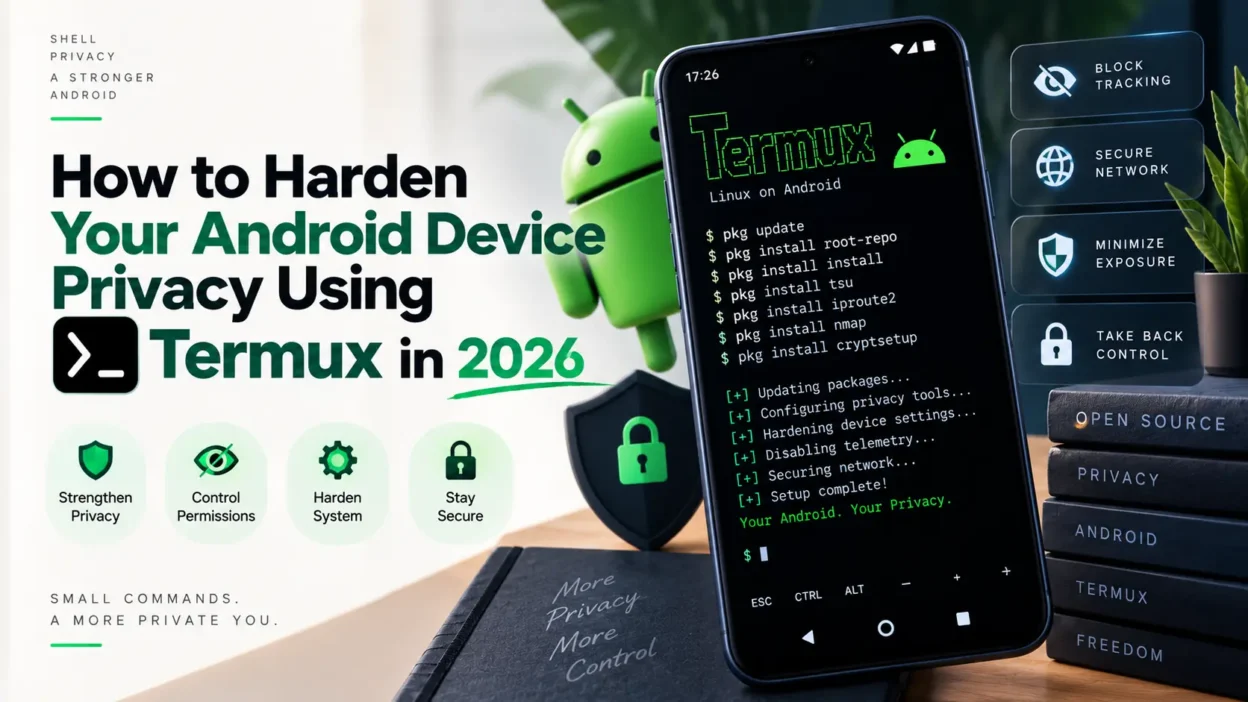
While modern mobile operating systems offer various built-in privacy settings and permission managers, advanced users, security researchers, and privacy advocates often require deeper control over their data streams, background services, and network traffic. By leveraging Termux, you can transform your everyday Android smartphone into a robust, portable privacy-auditing and device-hardening workstation without needing to root your device.
In this comprehensive, in-depth guide, we will walk through practical hardening techniques, auditing active sockets, securing remote management channels, and applying rigorous digital hygiene. This builds directly upon our foundational tutorials such as the essential Termux tools for Android and setting up Kali Linux environments on mobile.
1. Auditing Installed Packages and Repository Security
Maintaining a secure mobile terminal environment begins with knowing exactly what packages, libraries, and binaries are installed on your system. Unmaintained or rogue packages can introduce vulnerabilities.
Always ensure your package repository sources are trusted and regularly updated. Avoid installing packages from unverified third-party mirrors.
pkg update && pkg upgrade
pkg list-installed
Regularly reviewing your installed package list allows you to purge unused utilities and minimize your digital footprint.
2. Monitoring Network Connections with Netstat & SS
One of the greatest hidden risks to mobile privacy is silent data telemetry and unauthorized background connections. You can inspect all active TCP and UDP network sockets on your device directly from the terminal to uncover which processes are communicating externally.
pkg install net-tools
netstat -tulnp
ss -tunap
By analyzing open ports and established connections, you can pinpoint rogue applications leaking telemetry data. For broader traffic interception techniques, refer to our guide on analyzing and auditing mobile applications securely.
3. Setting Up Secure SSH Access for Local and Remote Management
When managing files and executing scripts across multiple machines, transferring data insecurely poses severe risks. Setting up an encrypted OpenSSH server inside Termux allows you to manage your mobile environment safely from a desktop or laptop over your local network.
pkg install openssh
passwd
sshd
Always ensure you use strong passwords or public key authentication (`~/.ssh/authorized_keys`) rather than relying on default credentials, preventing unauthorized network access.
4. Understanding and Defending Against File Hiding (Steganography)
Privacy hardening isn’t just about network traffic; it also involves protecting stored files against unauthorized extraction or hidden data exfiltration. Attackers frequently utilize techniques like steganography to conceal payloads inside normal-looking media files.
To understand how these methods operate so you can better defend against them, review our detailed tutorial on how steganography hides files inside photos and videos.
5. Common Pitfalls and Troubleshooting
When hardening your mobile environment via Termux, you may occasionally encounter permission blocks or dependency conflicts. Here are quick resolutions:
Permission Denied on Ports < 1024: Non-rooted Android devices cannot bind to privileged ports below 1024. Always use ports above 1024 (e.g., 8022 for SSH instead of 22).
Storage Access Issues: If scripts cannot access shared storage, run `termux-setup-storage` to grant proper read/write permissions to your internal storage directories.
Conclusion & Ongoing Digital Hygiene
Device hardening is an active, continuous discipline rather than a one-time task. By regularly auditing network sockets, maintaining clean repositories, securing SSH tunnels, and understanding threat methodologies, you establish a resilient mobile posture.
Continue sharpening your security skills by exploring our other guides on auditing service credentials with Hydra and protecting device peripherals against malicious camera scripts.

[…] In this comprehensive guide, we will explore how to set up an OSINT reconnaissance toolkit directly on mobile, automating information gathering while maintaining operational security. This builds upon our previous guides on essential Termux security tools and Android device privacy hardening. […]