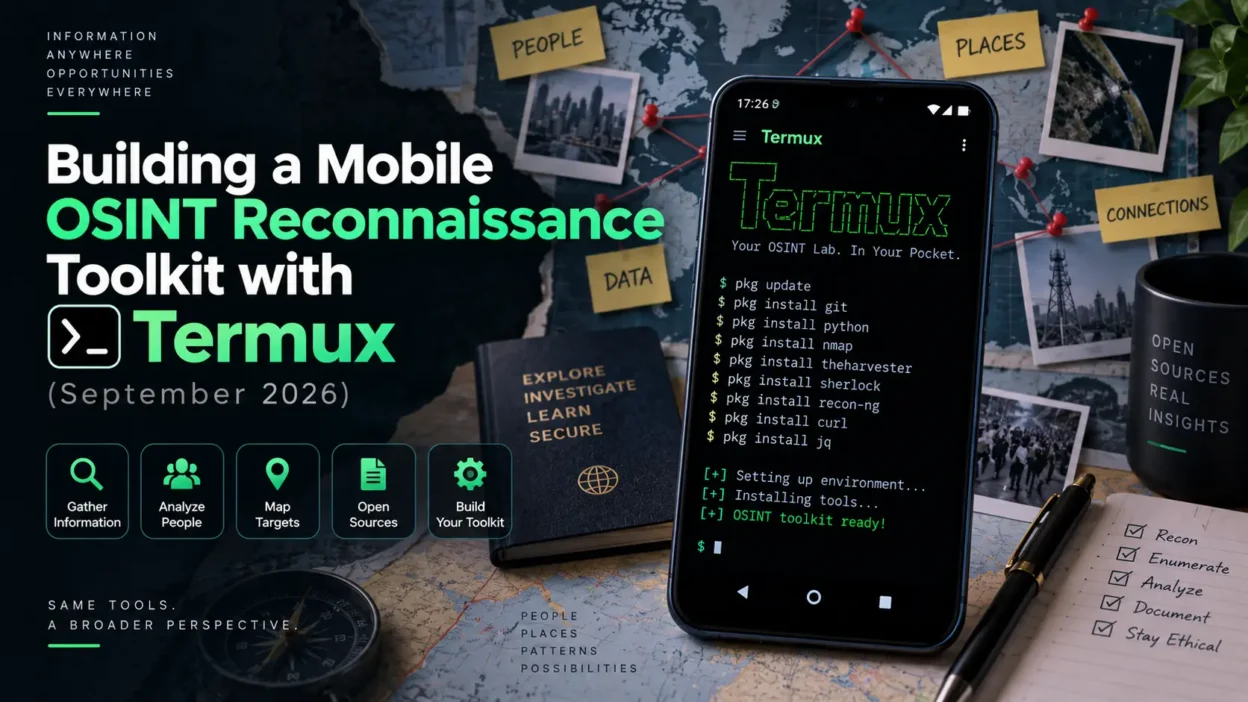
Open-Source Intelligence (OSINT) is a cornerstone of both cybersecurity reconnaissance and ethical hacking. While OSINT workflows are typically executed on robust desktop Linux rigs or cloud servers, modern Android devices combined with Termux provide a surprisingly powerful, portable intelligence-gathering workstation.
In this comprehensive guide, we will explore how to set up an OSINT reconnaissance toolkit directly on mobile, automating information gathering while maintaining operational security. This builds upon our previous guides on essential Termux security tools and Android device privacy hardening.
1. Setting Up Python and Git Dependencies in Termux
Most modern OSINT tools are written in Python and hosted on GitHub. Before cloning repositories, ensure your Termux package lists and Python environment are fully updated.
pkg update && pkg upgrade
pkg install python git libxml2 libxslt
pip install --upgrade pip
Having a clean Python environment ensures that reconnaissance scripts execute smoothly without missing dependency errors.
2. Deploying Subdomain Enumeration and Recon Tools
Reconnaissance often starts with discovering target infrastructure and subdomains. Lightweight command-line enumerators can be cloned and run right from your phone.
git clone https://github.com/aboul3la/Sublist3r.git
cd Sublist3r
pip install -r requirements.txt
python sublist3r.py -h
For more advanced mobile penetration testing setups and architecture notes, review our guide on how to run Kali Linux on Android.
3. Managing Data Exfiltration and Secure File Handling
During reconnaissance, organizing and safeguarding collected intelligence files is vital. Unauthorized data exposure can compromise your engagement. Understanding how files can be securely archived or hidden (as covered in our steganography tutorial) helps reinforce your handling of sensitive intelligence.
4. Troubleshooting Common Mobile OSINT Bottlenecks
Rate Limiting & IP Blocking: Aggressive reconnaissance queries can trigger web application firewalls (WAFs) or rate limiters. Always use VPNs or proxychains within Termux to rotate egress IPs.
Storage Permissions: Ensure you run `termux-setup-storage` so that reconnaissance export logs can be written safely to your device internal storage.
Conclusion & Ethical Considerations
Carrying out OSINT and reconnaissance from a mobile device offers unmatched flexibility for security professionals. Always ensure that your intelligence gathering is restricted to targets for which you have explicit, written authorization.
Continue exploring our security archive with guides on service brute-forcing with Hydra and advanced mobile traffic interception with PCAPdroid.